- HP
- LS
Pressure Cooker Taco Pasta

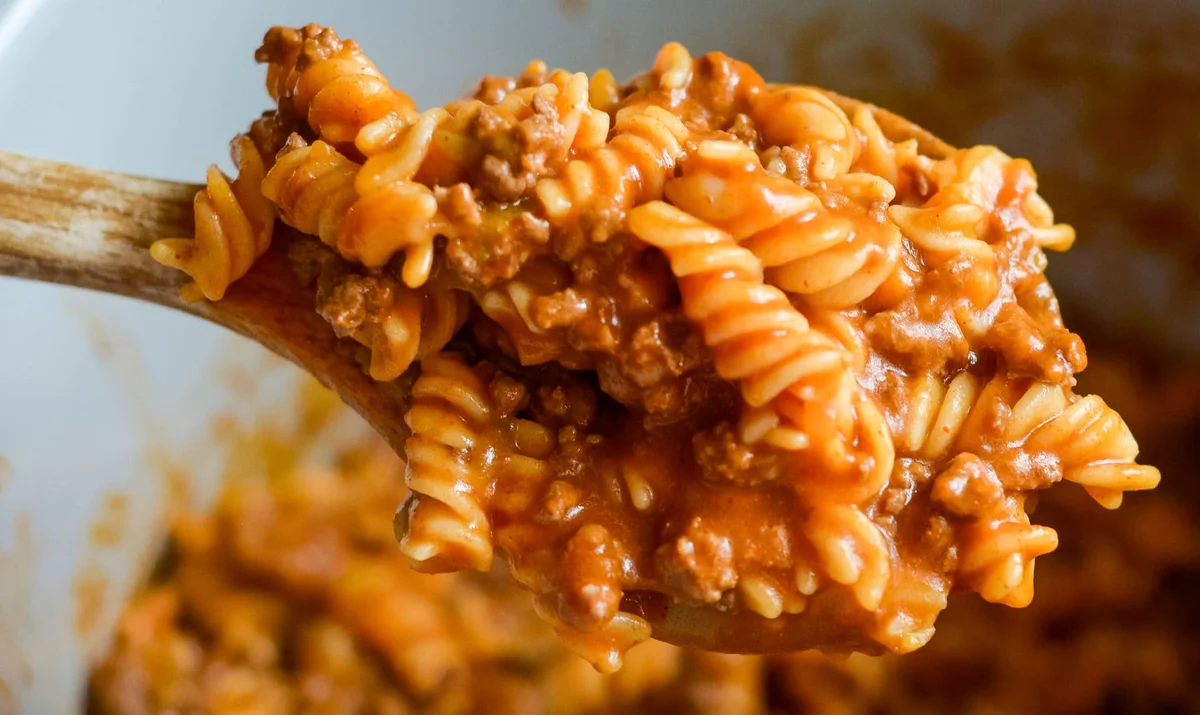
Make a fabulous meal with this Pressure Cooker Taco Pasta that is also easy to make gluten-free too.
Ingredients
Instructions
- Step 1
Warm up the pressure cooker using the saute function to high.
- Step 2
Add in the ground beef and cook until well done.
- Step 3
Drain if needed and return pot and beef back to the Pressure Cooker.
- Step 4
Add in the taco seasoning as instructed on the package.
- Step 5
Add in the pasta, 4 cups of water, tomato sauce, and chilies. Be sure the liquid fully covers the pasta.
- Step 6
Secure the pressure cooker lid and set the nozzle to 'seal'.
- Step 7
Cook on manual high pressure for 6 minutes.
- Step 8
Quick-release when it is done cooking. This needs to be done immediately so that your pasta does not turn to mush.
- Step 9
Remove the lid carefully, stir up the pasta and let cool for about 5 minutes.
- Step 10
Serve topped with cheese.
Tips & Tricks
Per serving
My Notes
PrivatePRIVATE TO YOUOnly you can see these
Private to you. Jot down what you changed so it's here next time you cook this.
Keep your own notes on this recipe
Private to your account — what you changed, what you'd do differently next time.
Be the first to photograph this dish and earn a 30% bonus
Level up by reviewing recipes!
